HeyNeighborly is the marketing service, powered by the ResidentOS platform, that runs social, content, review replies and ads for apartment communities and new-home builders.
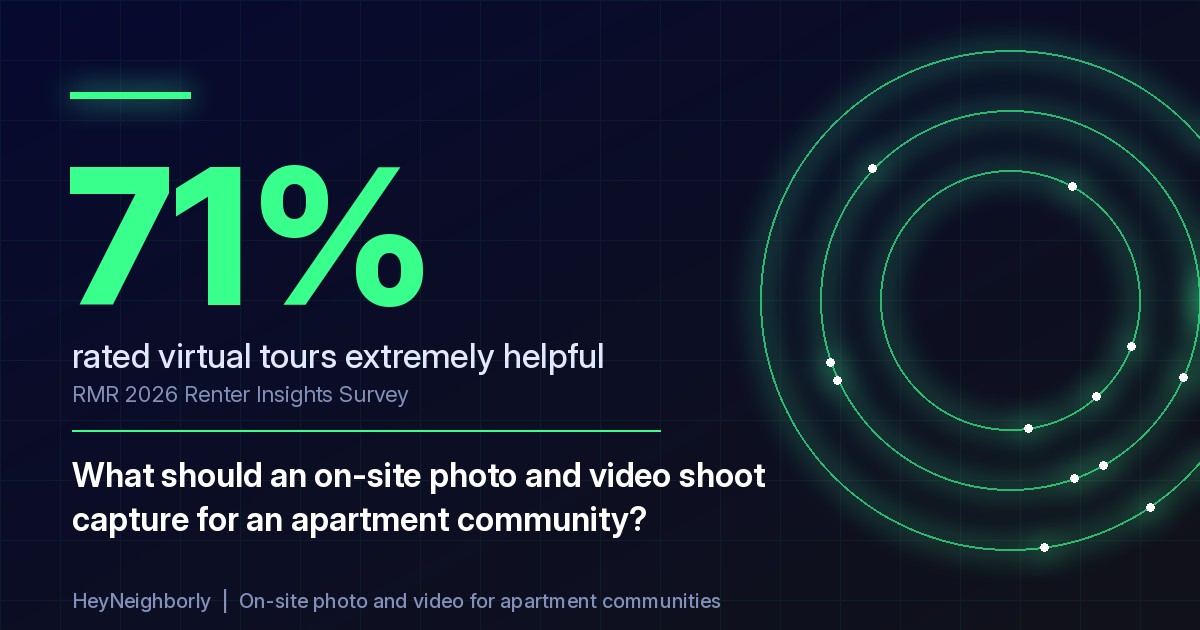
Renters decide long before they walk a model, so the shoot has to answer what they already look for online: the actual unit, the layout and a tour they can trust. In RMR's 2026 Renter Insights Survey, 71% of respondents rated virtual tours as extremely helpful during their search. Apartments.com, writing in Multifamily Dive, reports that in a survey of nearly 27,000 renters, three-quarters want to see unit-specific photos, and many look for unit-specific floor plans, descriptions and 3D tours before making a decision. This post is a shot list for what an on-site photo and video day should capture, and why each item matters.
What do renters need to see first?
The unit they would actually rent, not only the clubhouse. Multifamily Dive's Apartments.com budget guide puts it plainly: three-quarters want unit-specific photos, with many also looking for unit-specific floor plans, descriptions and 3D tours. Community amenity shots still help, but they do not replace a clear look at the kitchen, bathroom, bedroom and living space of each floor plan you are leasing.
My read: if a listing only shows the pool and lobby, a careful renter treats that as missing information and moves on. Shoot every active floor plan as if it were the only page the renter will open.
What should the photo set include?
A practical stills checklist for one community:
- One complete walkthrough of each available floor plan, room by room, in natural light where possible.
- Kitchen and bath details that decide a shortlist: storage, counter space, finishes and fixtures as they are today.
- Outdoor and entry shots for that unit type: balcony, patio or the shared corridor a resident actually uses.
- Amenity spaces that appear in ads and social, updated so they match what a tour will show.
- Exterior and curb context so the community looks like a real place, not a stock set.
- A few lifestyle frames with permission, if residents or staff are willing, for social and the website.
Keep naming consistent with the floor-plan pages and listing sites. The same label on the photo, the plan and the ad saves a renter from guessing.
What should the video set include?
Video is how many renters judge a place they have not visited. RMR found 71% rated virtual tours extremely helpful, and the same survey notes that 59% say resident testimonials are among the most helpful forms of content during their search. A useful shoot day usually covers:
- A short walkthrough per floor plan (about 60 to 90 seconds), steady and narrated only if the facts stay accurate.
- A community tour of amenities and grounds as they look now, not only as renderings.
- One resident or staff story, with permission, about living or working there.
- Vertical cuts sized for Instagram, Facebook and paid social, pulled from the same masters.
Polished brand films have a place, but they answer fewer leasing questions than a clear walkthrough of the two-bedroom you are trying to fill.
What else belongs on the shoot brief?
Price and fees are part of what renters check next to the pictures. In the same Apartments.com figures cited by Multifamily Dive, 81% prefer to see the full cost upfront, and 52% consider surprise fees a dealbreaker. The camera cannot fix a fee page, but the brief should note which stills and clips will sit next to the full-cost line on the website and listings so the story stays consistent.
Also confirm:
- Which units will be staged and vacant on shoot day.
- Which floor plans are actively leasing, so you do not spend the day on a retired layout.
- Who owns model keys, pet policy for on-camera animals and any HOA or owner photo rules.
- Where files go after delivery: website, Google Business Profile, listing sites and the social calendar.
How does HeyNeighborly handle the shoot?
HeyNeighborly's team runs the on-site photo and video day, delivers the stills and walkthroughs for each floor plan, and puts the assets into social, ads and listing updates. The operator sees the work and results in its ResidentOS reports.
Frequently asked questions
Do amenity photos still matter if renters want unit-specific shots?
Yes. Amenities help a renter picture daily life. They should not replace photos of the actual unit type for lease.
How often should a community reshoot?
When finishes, staging or amenities change, or when listing photos no longer match what a tour shows. A fixed calendar helps; an outdated gallery hurts more than a missing one.
Is a 3D tour required?
Not for every community. Apartments.com notes that many renters look for 3D tours along with unit photos and floor plans. If budget is tight, prioritize unit-specific stills and a short walkthrough video first.
If you want an on-site shoot scoped for the floor plans you are leasing now, book a call with HeyNeighborly.
Sources
- RMR Group, 2026 Renter Insights Survey: How Sun Belt Renters Are Navigating Choice, Technology and Uncertainty (Oct 6, 2026): 71%, 59%.
- Multifamily Dive, It's budget season for multifamily marketers: 5 tips to get ready (sponsored by Apartments.com, Aug 24, 2026), citing an Apartments.com survey of nearly 27,000 renters: three-quarters unit-specific photos; unit-specific floor plans, descriptions and 3D tours; 81%, 52%.